

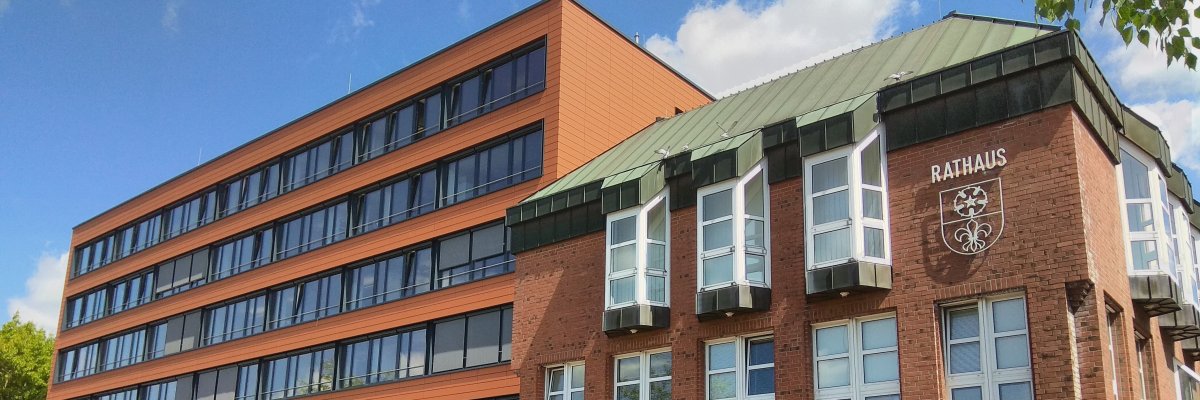
City administration building of the Stadtkevelaer

Youth employment agency

Parking lot becomes a place full of opportunities

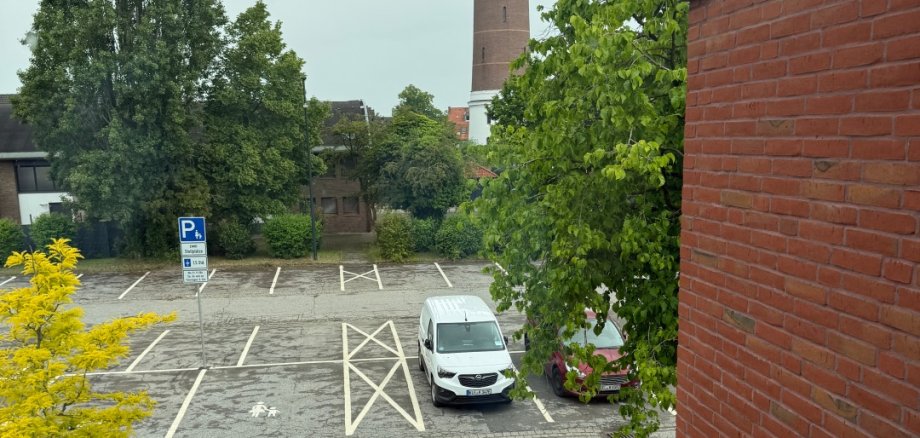
With the "Parking lot of opportunities", our youth employment agency brings young people, schools and companies together in one place: On Wednesday, June 24, the parking area at Kroatenstraßen 85, in front of the Youth and Administration Center (JVZ) of the pilgrimage town of Kevelaer, will become an interactive training exchange from 10 am to 2 pm.

The special feature: Here, companies not only present themselves with information material, but also offer activities for young people to take part in and try out, where they can experience typical activities of the training occupations. In addition to around 25 companies with practical stations and various challenges, a food truck also awaits the pupils.

"It's not about boring presentations, but about trying out professions directly and having a relaxed conversation with companies," explains Thorsten Stern, Head of Job Placement at the Kevelaer Job Center and Coordinator of the Kevelaer Youth Employment Agency. "We want to show young people what opportunities they have for their future - and give companies the chance to present themselves in an authentic and approachable way."

No employees found.

Help with accessibility

  • General

    We endeavor to make our websites accessible. You can find details on this in our accessibility statement. You can send us suggestions for improvement via our feedback form Report accessibility.

  • Font size

    To adjust the font size, please use the following key combinations:

    Larger

    ⌘command
    +

    Smaller

    ⌘command

    Larger

    Ctrl
    +

    Smaller

    Ctrl
  • Keyboard navigation

    Use TAB and SHIFT + TAB to navigate through next/previous links, form elements and buttons.

    Use ENTER to open links and interact with elements.

  • Contrast mode

    Press the following key combination to reduce or increase the contrast:

    Enlarge

    ⌃control
    ⌥option
    ⌘command
    .

    Decrease

    ⌃control
    ⌥option
    ⌘command
    ,
    Note: The shortcuts must be activated in the system settings of the operating system.

    Press the left ALT key + left SHIFT key + PRINT to quickly switch the high contrast mode on or off.

  • Invert colors

    Press the following key combination to switch the color inversion on and off:

    ⌃control
    ⌥option
    ⌘command
    8
    Note: The shortcuts must be activated in the system settings of the operating system.

    First activate the screen magnifier and then switch the color inversion on and off with the following key combinations:

    1. screen magnifier

    +

    2. invert colors

    Ctrl
    Old
    I
  • Screen magnifier

    Press the following key combinations to use the screen magnifier:

    Switch on/off

    ⌥option
    ⌘command
    8

    Enlarge view

    ⌥option
    ⌘command
    =

    Reduce view

    ⌥option
    ⌘command
    Note: The shortcuts must be activated in the system settings of the operating system.

    Switch on / Enlarge view

    +

    Reduce view