


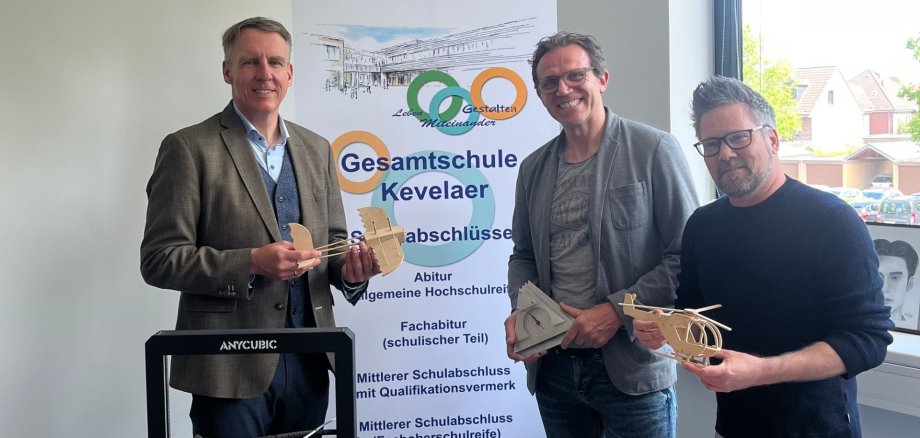
The planned innovation space is intended to offer young people the opportunity to experience technology and digital tools in practice, develop their own ideas and come up with creative solutions to real-life challenges.
Topics such as digitalization, technology, craftsmanship, creativity and project-based learning are the focus here.
The project was initiated by Frank Maubach, teacher at the Kevelaer comprehensive school and STEM coordinator.
He sees great potential in the makerspace for school development and the future of pupils: "We want to create a place where young people can try things out, tinker and develop solutions together. The makerspace should show that learning goes far beyond the traditional classroom."
In order to further develop the project together with regional partners, the school is inviting companies, the self-employed and interested stakeholders from business and society to an entrepreneurs' evening. The event will take place on May 28, 2026 at 6 p.m. in the JVZ, Kroatenstr. 85 in Kevelaer.
During the evening, guests will gain insights into the planned makerspace concept as well as initial concrete project ideas from practice. In addition, the event offers space for exchange, networking and the development of joint cooperation opportunities between schools and regional businesses.
Christoph Feldmann (Headmaster of Kevelaer Comprehensive School) and Martina Boudewins (Didactic Director of Kevelaer Comprehensive School) jointly emphasize the importance of the project: "Today, school has to be more than just imparting knowledge. We want to prepare our pupils for a working world that is constantly changing. The Makerspace opens up new opportunities for this and strengthens important skills such as creativity, teamwork and personal responsibility."
The project is also supported by the city of Kevelaer. Thorsten Stern is supporting the project as a cooperation partner and mediator between schools and businesses. He emphasizes the importance of regional cooperation: "The makerspace offers the opportunity to network schools and companies more closely. If young people gain insights into practical fields of work at an early stage, both the young people and our regional economy will benefit in the long term."
The Kevelaer comprehensive school welcomes committed partners from the trades, industry, technology and service sectors who would like to contribute their experience and work with the school to develop the skilled workers of tomorrow.
Interested parties can register until May 22, 2026 at: https://beteiligung.nrw.de/portal/kevelaer/beteiligung/themen/1026100 and become part of this pioneering educational project.