

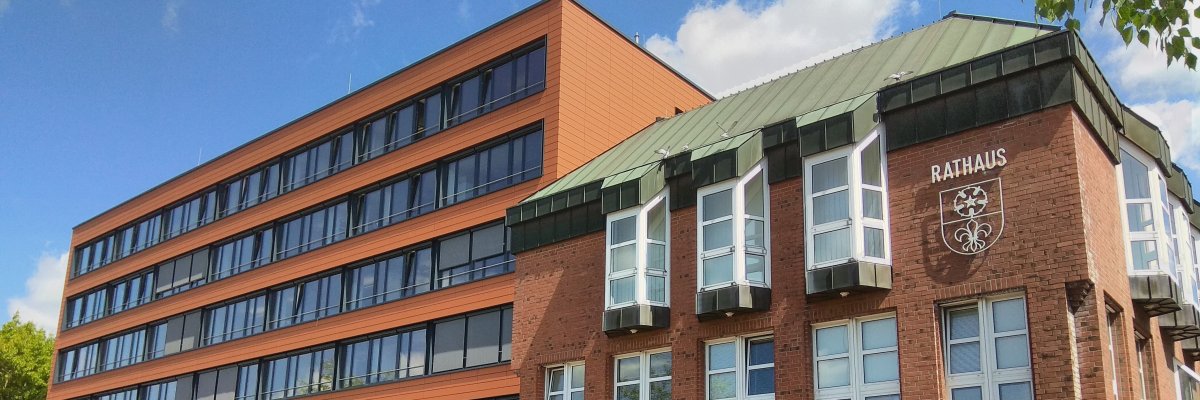
City administration building of the Stadtkevelaer

Latest news

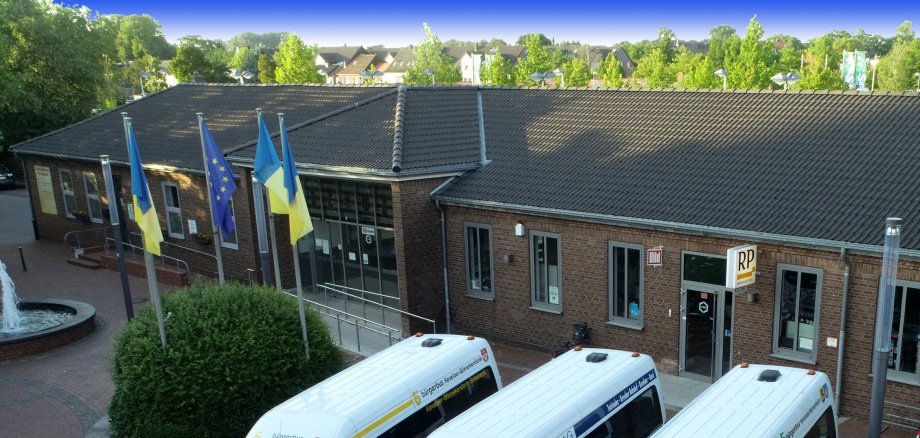
Kiosk at the train station – Looking for a successor

The pilgrimage town of Kevelaer is seeking a new tenant for the kiosk at the train station, located at Am Bahnhof 55, 47623 Kevelaer, to start as soon as possible, as the current operator wishes to terminate the lease for personal reasons.

The kiosk has a floor area of approximately 155 m² on the ground floor, which is divided among the sales areas, office, break room, employee restrooms, and circulation areas. The basement contains two storage rooms with a total area of approximately 62 m². The property is leased at the local market rate.

The intended use is as a typical train station kiosk selling food and beverages for immediate consumption, travel essentials, newspapers and magazines, gift items, stationery, etc. The hours of operation are governed by the North Rhine-Westphalia Retail Hours Act.

Are you interested in renting a kiosk and, ideally, do you already have experience operating one? If so, please send your expression of interest—including proof of your experience in this field and a current Schufa credit report—by August 31, 2026, to the contact person listed below at the Facility Management Department of the Pilgrimage Town of Kevelaer.

No employees found.

Help with accessibility

  • General

    We endeavor to make our websites accessible. You can find details on this in our accessibility statement. You can send us suggestions for improvement via our feedback form Report accessibility.

  • Font size

    To adjust the font size, please use the following key combinations:

    Larger

    ⌘command
    +

    Smaller

    ⌘command

    Larger

    Ctrl
    +

    Smaller

    Ctrl
  • Keyboard navigation

    Use TAB and SHIFT + TAB to navigate through next/previous links, form elements and buttons.

    Use ENTER to open links and interact with elements.

  • Contrast mode

    Press the following key combination to reduce or increase the contrast:

    Enlarge

    ⌃control
    ⌥option
    ⌘command
    .

    Decrease

    ⌃control
    ⌥option
    ⌘command
    ,
    Note: The shortcuts must be activated in the system settings of the operating system.

    Press the left ALT key + left SHIFT key + PRINT to quickly switch the high contrast mode on or off.

  • Invert colors

    Press the following key combination to switch the color inversion on and off:

    ⌃control
    ⌥option
    ⌘command
    8
    Note: The shortcuts must be activated in the system settings of the operating system.

    First activate the screen magnifier and then switch the color inversion on and off with the following key combinations:

    1. screen magnifier

    +

    2. invert colors

    Ctrl
    Old
    I
  • Screen magnifier

    Press the following key combinations to use the screen magnifier:

    Switch on/off

    ⌥option
    ⌘command
    8

    Enlarge view

    ⌥option
    ⌘command
    =

    Reduce view

    ⌥option
    ⌘command
    Note: The shortcuts must be activated in the system settings of the operating system.

    Switch on / Enlarge view

    +

    Reduce view