

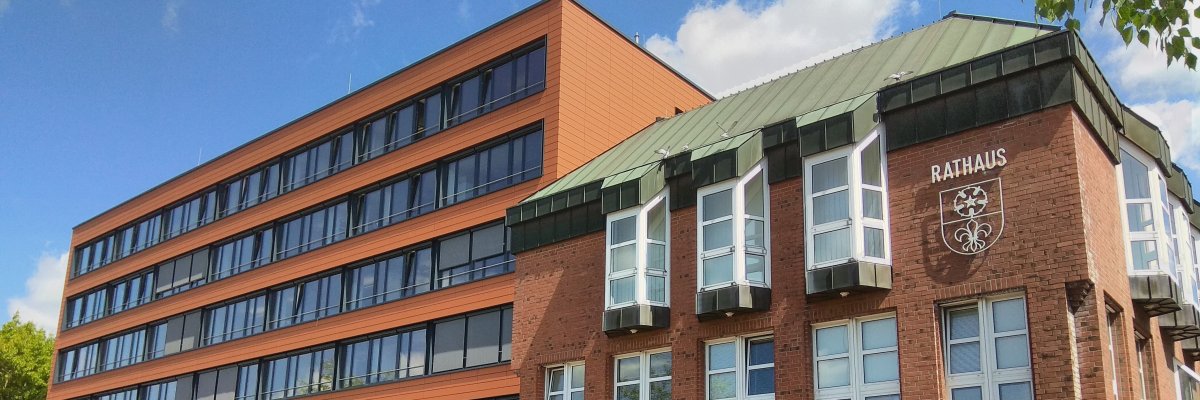
Through a specially developed career guidance program, the Kevelaer Youth Career Agency provided students in classes 9e, 8b, and 8d with a hands-on look into the world of work over the course of three project days. The students were able to visit companies, meet professionals, explore modern workplaces, and try out numerous activities for themselves.
Day 1 – Rediscovering Administration
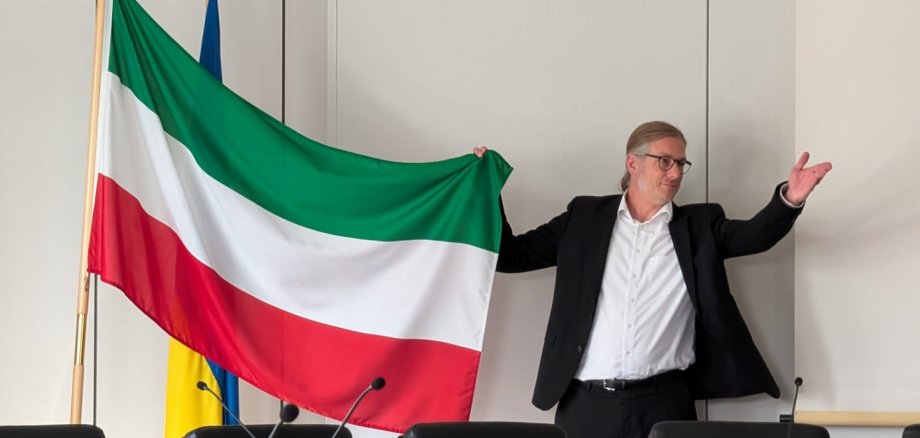
On the first day of the project, Class 9e visited the pilgrimage town of Kevelaer. The goal was to show the students that modern city administration involves much more than just desk work. Mayor Dr. Pichler personally welcomed the class and provided fascinating insights into his varied daily routine and the work of the city council. The Human Resources department presented the diverse training and career opportunities available within the Kevelaer city administration.
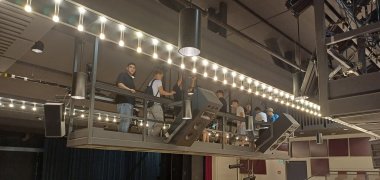
On that day, the students learned about the work of the IT department, took a look behind the scenes at the concert and theater hall as well as the municipal utilities, and also got a glimpse into the technology at the municipal indoor swimming pool.
Day 2 – Experience Industry and Trade
The second day of the project was entirely devoted to modern industrial and skilled trades.
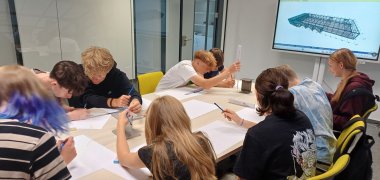
First, Class 8b traveled to Kalkar to visit the company Schwevers Stahlhochbau. They gained an initial insight into the role of a architectural draftsman or draftswoman and then went to the production hall, where the students were able to watch firsthand how steel beams are manufactured.
After that, they visited the company Individueller Möbelbau Hendrix. Instead of long lectures, the company focused on hands-on work. The students worked together to build two shelves.
To wrap things up, the sister companies Redsun and Aluxe demonstrated how modern paving stones are produced and how high-quality patio covers are manufactured.
Day 3 - Discovering Modern Companies
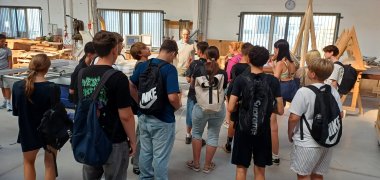
On the final day of the project, Class 8d first visited the company Grote Bedachungen & Holzbau in Weeze. After a presentation about the company, the students gained interesting insights into the fields of roofing and timber construction.
The group then continued on to Voortmann in Issum, a company specializing in control, compressed air, and loading systems. Following a company presentation, the students had the opportunity to experience modern automation technology firsthand. Here, too, they had various opportunities to try out work processes for themselves and gain hands-on experience.
The personal interaction with trainees and skilled workers, the behind-the-scenes insights, and the numerous hands-on activities made the three project days a valuable experience for everyone involved.