

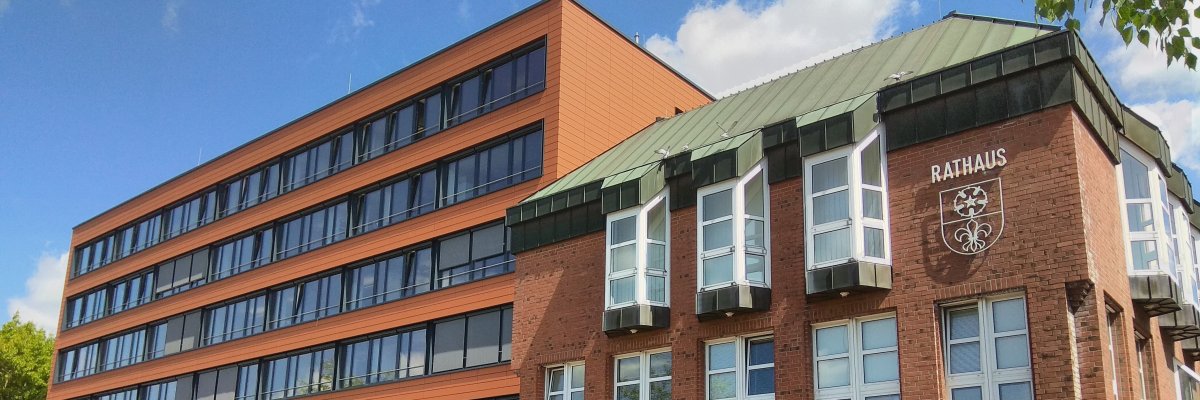

City administration building of the Stadtkevelaer
> Translation notice: This page has been automatically translated with the support of DeepL. Differences from the original German text may occur. Only the German version is legally binding.

Climate protection

Volunteers Wanted for the Citizen Solar Advisory Service in Kevelaer

The pilgrimage town of Kevelaer is looking for more volunteers who would like to be trained as Citizen Solar Advisors. A small group has already signed up for this volunteer work. However, there are still spots available, and the group can grow even larger. A free training program is offered, which equips participants to provide comprehensive advice to other residents on photovoltaic systems and energy storage. Prior knowledge is helpful but not required. The goal of the training is to establish a local group that organizes itself independently and takes responsibility for its own activities.

The training sessions will take place on four consecutive Saturdays starting September 5, 2026, as four-hour online workshops, and will be offered by the nonprofit organization MetropolSolar.

Before the actual training begins, there will be an online pre-training information session on Tuesday, September 1, 2026, from 6:30 p.m. to 9:00 p.m. This information session will give participating consultants a good idea of what to expect.

There is also an opportunity to ask any questions you may have before the training begins. Those interested can register for the pre-training information session by Monday, August 31, 2026, by emailing klimaschutz@kevelaer.de.

It should be noted that a professional activity or close connection to a company active in this field generally excludes participation in the training and collaboration in the Citizens' Solar Advisory Group.

With BürgerSolarBeratung, the pilgrimage town of Kevelaer would like to offer even more support to owners of detached and semi-detached houses who are considering the decision to install a photovoltaic system. The advice is not intended to replace other services, but is an additional low-threshold offer.

No employees found.

Help with accessibility

  • General

    We endeavor to make our websites accessible. You can find details on this in our accessibility statement. You can send us suggestions for improvement via our feedback form Report accessibility.

  • Font size

    To adjust the font size, please use the following key combinations:

    Larger

    ⌘command
    +

    Smaller

    ⌘command

    Larger

    Ctrl
    +

    Smaller

    Ctrl
  • Keyboard navigation

    Use TAB and SHIFT + TAB to navigate through next/previous links, form elements and buttons.

    Use ENTER to open links and interact with elements.

  • Contrast mode

    Press the following key combination to reduce or increase the contrast:

    Enlarge

    ⌃control
    ⌥option
    ⌘command
    .

    Decrease

    ⌃control
    ⌥option
    ⌘command
    ,
    Note: The shortcuts must be activated in the system settings of the operating system.

    Press the left ALT key + left SHIFT key + PRINT to quickly switch the high contrast mode on or off.

  • Invert colors

    Press the following key combination to switch the color inversion on and off:

    ⌃control
    ⌥option
    ⌘command
    8
    Note: The shortcuts must be activated in the system settings of the operating system.

    First activate the screen magnifier and then switch the color inversion on and off with the following key combinations:

    1. screen magnifier

    +

    2. invert colors

    Ctrl
    Old
    I
  • Screen magnifier

    Press the following key combinations to use the screen magnifier:

    Switch on/off

    ⌥option
    ⌘command
    8

    Enlarge view

    ⌥option
    ⌘command
    =

    Reduce view

    ⌥option
    ⌘command
    Note: The shortcuts must be activated in the system settings of the operating system.

    Switch on / Enlarge view

    +

    Reduce view