

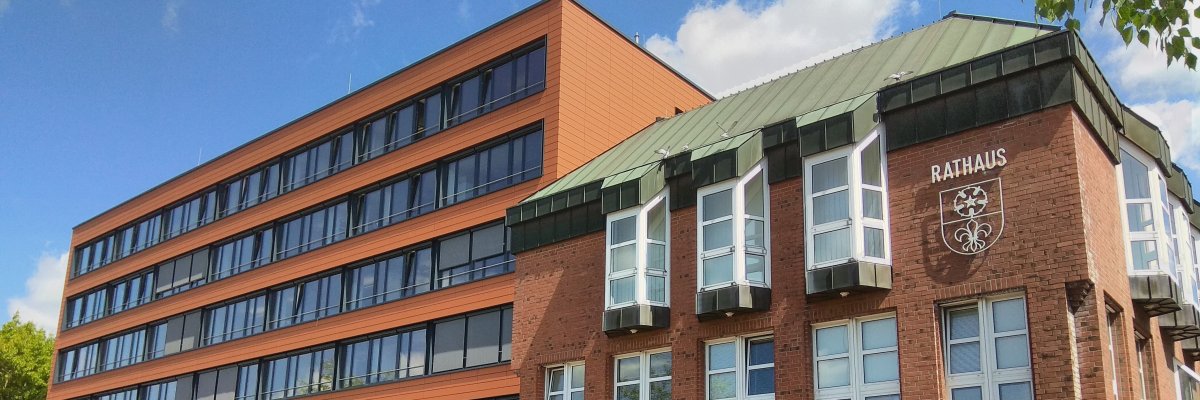
City administration building of the Stadtkevelaer
> Translation notice: This page has been automatically translated with the support of DeepL. Differences from the original German text may occur. Only the German version is legally binding.

Volunteering

Honoring Volunteer Residents on November 30, 2026

Volunteer work makes a lasting contribution to shaping social life in the pilgrimage town of Kevelaer. Whether it’s supporting those in need of care, working with children and teens in clubs and summer programs, or quietly working behind the scenes at institutions and organizations—volunteer work takes many forms and enriches the community.

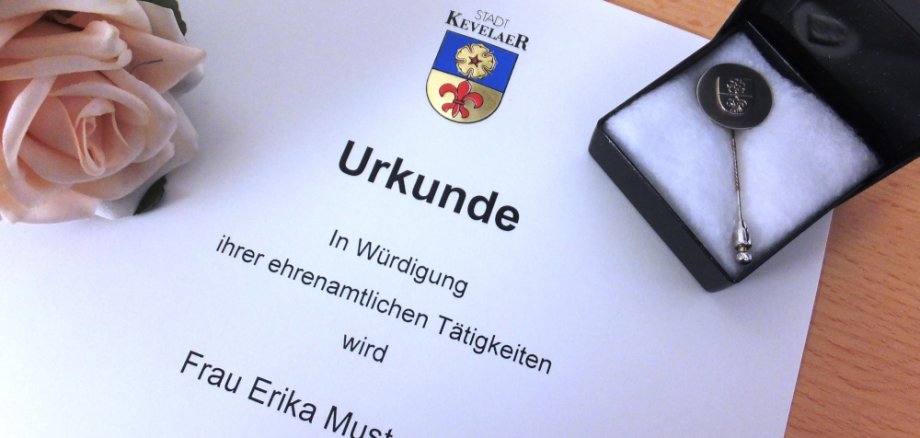
On November 30, 2026, deserving citizens will be awarded the Volunteer Pin by the pilgrimage town of Kevelaer. The honor will be bestowed not only on individuals who are already well-known to the public, but also specifically on those who carry out their work quietly and without fanfare. We are looking for citizens who go above and beyond the call of duty and actively step in wherever help is needed.

Now it’s your turn: The pilgrimage town of Kevelaer is asking residents, groups, organizations, and institutions to submit nominations for the award.

“We look forward to receiving numerous nominations from the entire community as well as from clubs, associations, and other institutions in our pilgrimage town,” says Mayor Dr. Dominik Pichler. “The Volunteer Pin award is a special token of gratitude and expresses our appreciation for the diverse range of volunteer work in our community.”

Please submit nominations in writing—including the name and address of the nominee, as well as a brief explanation of why the nominee deserves the award and the nature of their volunteer work— by September 30, 2026.

Please send your ideas by email to: ehrenamt@kevelaer.de


If you have any questions, please contact the following people:

No employees found.

Help with accessibility

  • General

    We endeavor to make our websites accessible. You can find details on this in our accessibility statement. You can send us suggestions for improvement via our feedback form Report accessibility.

  • Font size

    To adjust the font size, please use the following key combinations:

    Larger

    ⌘command
    +

    Smaller

    ⌘command

    Larger

    Ctrl
    +

    Smaller

    Ctrl
  • Keyboard navigation

    Use TAB and SHIFT + TAB to navigate through next/previous links, form elements and buttons.

    Use ENTER to open links and interact with elements.

  • Contrast mode

    Press the following key combination to reduce or increase the contrast:

    Enlarge

    ⌃control
    ⌥option
    ⌘command
    .

    Decrease

    ⌃control
    ⌥option
    ⌘command
    ,
    Note: The shortcuts must be activated in the system settings of the operating system.

    Press the left ALT key + left SHIFT key + PRINT to quickly switch the high contrast mode on or off.

  • Invert colors

    Press the following key combination to switch the color inversion on and off:

    ⌃control
    ⌥option
    ⌘command
    8
    Note: The shortcuts must be activated in the system settings of the operating system.

    First activate the screen magnifier and then switch the color inversion on and off with the following key combinations:

    1. screen magnifier

    +

    2. invert colors

    Ctrl
    Old
    I
  • Screen magnifier

    Press the following key combinations to use the screen magnifier:

    Switch on/off

    ⌥option
    ⌘command
    8

    Enlarge view

    ⌥option
    ⌘command
    =

    Reduce view

    ⌥option
    ⌘command
    Note: The shortcuts must be activated in the system settings of the operating system.

    Switch on / Enlarge view

    +

    Reduce view