

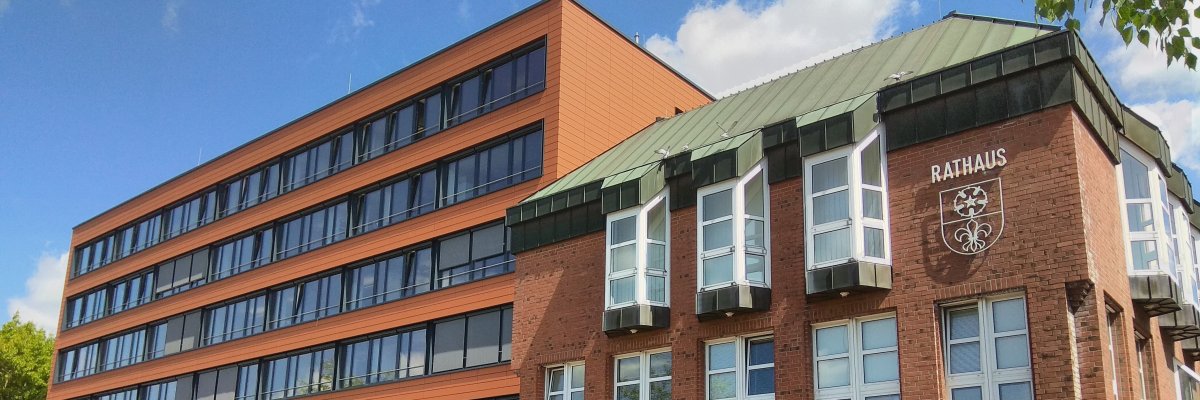
City administration building of the Stadtkevelaer
> Translation notice: This page has been automatically translated with the support of DeepL. Differences from the original German text may occur. Only the German version is legally binding.

Outdoor pool

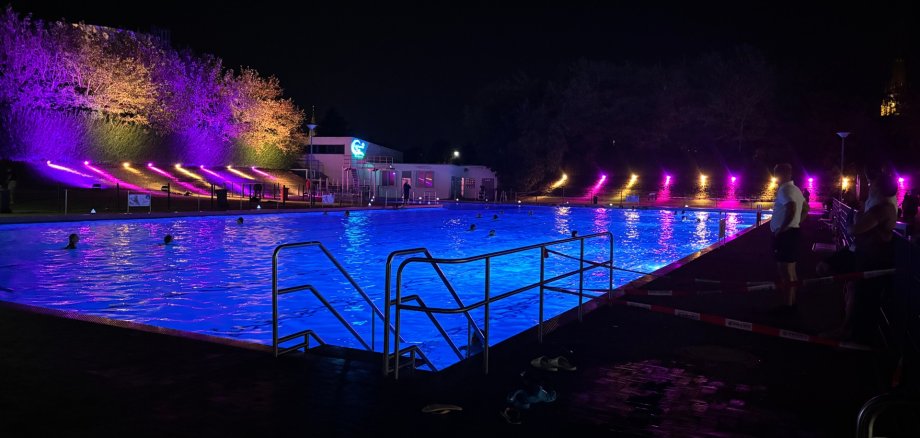
Evening Swimming: The Outdoor Pool Turns Into a Sea of Lights

On Thursday, August 27, 2026, the popular evening swim will take place once again at the Kevelaer outdoor pool. Together with the swimming pool association, the pilgrimage town of Kevelaer invites you to take advantage of the extended opening hours until 11 p.m. and to enjoy the late summer night in the special atmosphere of the outdoor pool.

Atmospheric Lighting

As in previous years, LIGHTON Veranstaltungstechnik is providing impressive lighting in the pool area. The staff at the concert and theater venue are handling the outdoor lighting: On the lounging areas and around the combined heat and power plant (CHP), they’re using additional lights to create atmospheric accents that cast the outdoor pool in a whole new light.

Food & Drink

We've also got you covered if you get hungry or thirsty after swimming: The Schulz kiosk will be serving snacks, cold drinks, and grilled specialties all evening long.

Important information for bathers

  • Only the large pool will be open for evening swimming. The non-swimmer pool will remain closed.
  • Children 16 and under: After 8:00 p.m., only when accompanied by a parent or guardian.
  • Young people aged 16 and over: may stay in the outdoor pool unaccompanied until 11 pm.


No employees found.

Help with accessibility

  • General

    We endeavor to make our websites accessible. You can find details on this in our accessibility statement. You can send us suggestions for improvement via our feedback form Report accessibility.

  • Font size

    To adjust the font size, please use the following key combinations:

    Larger

    ⌘command
    +

    Smaller

    ⌘command

    Larger

    Ctrl
    +

    Smaller

    Ctrl
  • Keyboard navigation

    Use TAB and SHIFT + TAB to navigate through next/previous links, form elements and buttons.

    Use ENTER to open links and interact with elements.

  • Contrast mode

    Press the following key combination to reduce or increase the contrast:

    Enlarge

    ⌃control
    ⌥option
    ⌘command
    .

    Decrease

    ⌃control
    ⌥option
    ⌘command
    ,
    Note: The shortcuts must be activated in the system settings of the operating system.

    Press the left ALT key + left SHIFT key + PRINT to quickly switch the high contrast mode on or off.

  • Invert colors

    Press the following key combination to switch the color inversion on and off:

    ⌃control
    ⌥option
    ⌘command
    8
    Note: The shortcuts must be activated in the system settings of the operating system.

    First activate the screen magnifier and then switch the color inversion on and off with the following key combinations:

    1. screen magnifier

    +

    2. invert colors

    Ctrl
    Old
    I
  • Screen magnifier

    Press the following key combinations to use the screen magnifier:

    Switch on/off

    ⌥option
    ⌘command
    8

    Enlarge view

    ⌥option
    ⌘command
    =

    Reduce view

    ⌥option
    ⌘command
    Note: The shortcuts must be activated in the system settings of the operating system.

    Switch on / Enlarge view

    +

    Reduce view