

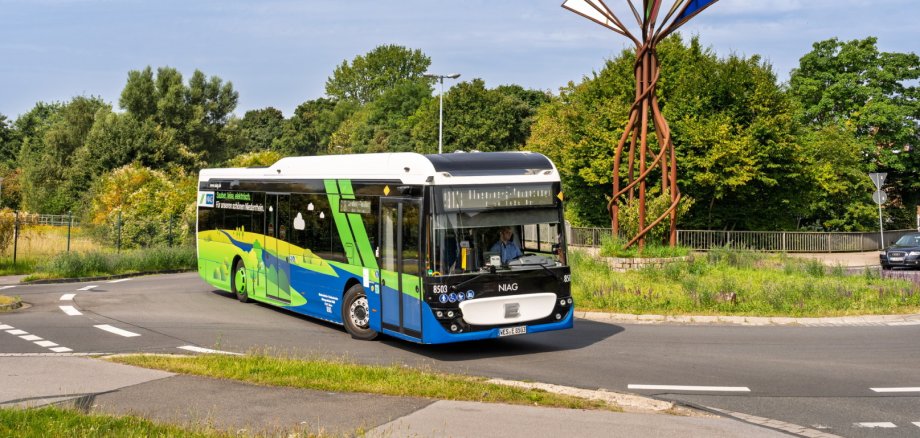
To celebrate World Children’s Day on Sunday, September 20, 2026, public transportation companies and networks in North Rhine-Westphalia are inviting all children and young people to take part in free discovery tours. On this day, the following applies to all public transportation throughout the state: Hop on, take a seat, and ride along. Young passengers up to and including age 14 can ride all buses and trains free of charge all day long—without having to purchase a ticket.
This statewide campaign sends a clear message in support of public transportation—both local and regional—and gives families and children the opportunity to easily experience public transit and visit destinations in the region.
An overview of the general conditions:
Scope: This offer is valid all day on September 20, 2026, from the start of service until the end of service, throughout North Rhine-Westphalia (across all transit network boundaries in the VRR, VRS, AVV, and WestfalenTarif regions).
Public transportation: Free travel is available on all scheduled buses, streetcars, trams, and subways, as well as in second-class cars on commuter trains (S-Bahn, RegionalBahn, and RegionalExpress). Long-distance trains (ICE, IC, EC) are excluded from this promotion.
Age limit: Free rides apply to all children up to age 14 (under 15 years of age). We recommend that teenagers carry proof of age (e.g., student ID or children’s ID).
No need to buy a ticket: Children do not need to purchase or validate a ticket before boarding.
Tips for Families and Caregivers:
Children under 6 years of age: They ride public transportation for free as a general rule and must be accompanied by a guardian.
Tickets for accompanying adults: Adults and youths ages 15 and older need a regular ticket. For family outings, in addition to existing passes (such as the DeutschlandTicket), 24-hour tickets, group day passes, or the kilometer-based electronic fare eezy.nrw are particularly well-suited.
Schedule Information: All routes, real-time data, and any construction notices can be accessed in advance through the digital schedule information services provided by regional transit agencies (such as the NIAG app) as well as through the mobil.nrw portal.
To our passengers: Take advantage of this special event for a relaxing family outing without worrying about parking, and introduce the next generation to the benefits of a connected, modern public transit system.
- Links