

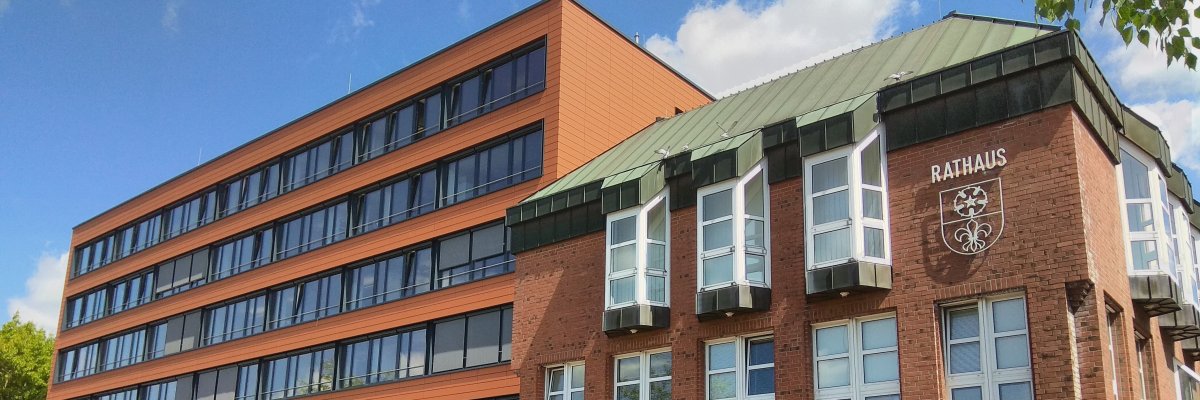

City administration building of the Stadtkevelaer
> Translation notice: This page has been automatically translated with the support of DeepL. Differences from the original German text may occur. Only the German version is legally binding.

School transportation

School transportation in Achterhoek to be restricted starting October 5

Due to additional construction work on the L362—Sonsbecker Straße—there will be significant disruptions to school bus service in Achterhoek starting Monday, October 5, 2026.

Following the completion of Construction Phase 1, the L362 Sonsbecker Straße will be completely closed as part of Construction Phase 2 between the Winnekendonk town center (OD) and the bypass (L491 Xantener Straße to the L362 Alter Steeg). According to the North Rhine-Westphalia State Road Construction Authority, this full closure is expected to last until November 16, 2026.

The current school transportation policy can remain in effect through Friday, October 2, 2026. Until then, the school bus will continue to serve the “Achterhoek School/Church” stop via Sonsbeck.

However, starting Monday, October 5, 2026, this will no longer be possible due to the continued closure. None of the stops in Achterhoek can be served during the full closure.

During this period, students can therefore only ride the school bus from the “Winnekendonk Schule” stop. Parents and guardians are asked to bring or drive their children to the stop accordingly.

Reimbursement by the school authority for the necessary transportation to the Winnekendonk Schule stop is provided for under the provisions of the Student Transportation Costs Regulation (SchfkVO). The relevant reimbursement forms will be made available to affected parents and guardians through the schools.

After consulting with the road authority and reviewing possible alternatives with the contracted bus company, no other solution for school transportation is feasible given the current traffic situation.

Unfortunately, we cannot avoid providing this information on short notice. First, we had to determine the specific detours and review possible alternatives together with the contracted bus company.

Affected parents and guardians in the Achterhoek region will also be informed through the schools.

The pilgrimage town of Kevelaer regrets the inconvenience caused to students and their parents and guardians by the construction project and asks for their understanding regarding the short notice.

No employees found.

Help with accessibility

  • General

    We endeavor to make our websites accessible. You can find details on this in our accessibility statement. You can send us suggestions for improvement via our feedback form Report accessibility.

  • Font size

    To adjust the font size, please use the following key combinations:

    Larger

    ⌘command
    +

    Smaller

    ⌘command
    –

    Larger

    Ctrl
    +

    Smaller

    Ctrl
    –
  • Keyboard navigation

    Use TAB and SHIFT + TAB to navigate through next/previous links, form elements and buttons.

    Use ENTER to open links and interact with elements.

  • Contrast mode

    Press the following key combination to reduce or increase the contrast:

    Enlarge

    ⌃control
    ⌥option
    ⌘command
    .

    Decrease

    ⌃control
    ⌥option
    ⌘command
    ,
    Note: The shortcuts must be activated in the system settings of the operating system.

    Press the left ALT key + left SHIFT key + PRINT to quickly switch the high contrast mode on or off.

  • Invert colors

    Press the following key combination to switch the color inversion on and off:

    ⌃control
    ⌥option
    ⌘command
    8
    Note: The shortcuts must be activated in the system settings of the operating system.

    First activate the screen magnifier and then switch the color inversion on and off with the following key combinations:

    1. screen magnifier

    +

    2. invert colors

    Ctrl
    Old
    I
  • Screen magnifier

    Press the following key combinations to use the screen magnifier:

    Switch on/off

    ⌥option
    ⌘command
    8

    Enlarge view

    ⌥option
    ⌘command
    =

    Reduce view

    ⌥option
    ⌘command
    –
    Note: The shortcuts must be activated in the system settings of the operating system.

    Switch on / Enlarge view

    +

    Reduce view

    –