

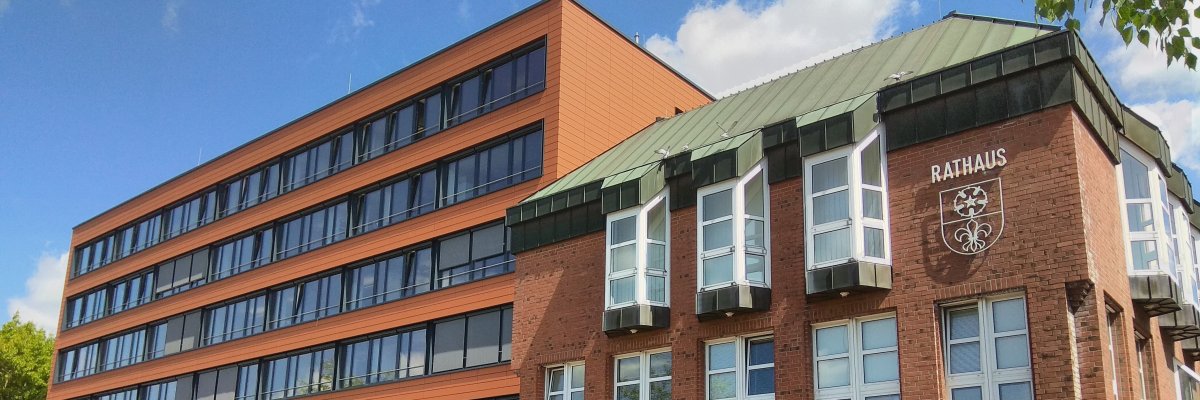
City administration building of the Stadtkevelaer
> Translation notice: This page has been automatically translated with the support of DeepL. Differences from the original German text may occur. Only the German version is legally binding.

Meeting dates

Ausschuss für Kevelaer Marketing, Tourismus und Kultur tagt am 05.11.2026

The Council forms committees in which the majority of political decisions are discussed in advance. In some matters, the committees can also make final decisions.

The Kevelaer Marketing, Tourism and Culture Committee of the Council of the pilgrimage town of Kevelaer discusses and decides on the cultural program for each year and on measures relating to cultural and tourism matters.

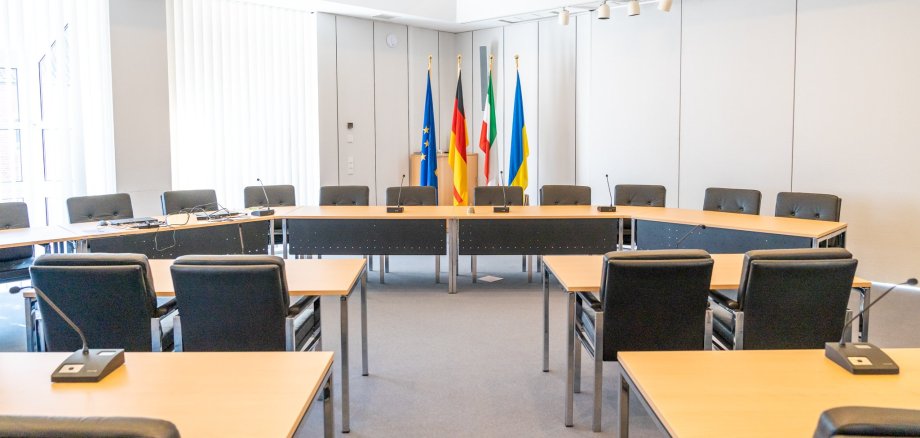
Die Sitzung des Ausschusses für Kevelaer Marketing, Tourismus und Kultur finden um 18.30 Uhr im Ratssaal des Rathauses, 2. Etage, statt und sind bis auf wenige Ausnahmen öffentlich. Zuhörerinnen und Zuhörer sind herzlich willkommen!

The composition of the Kevelaer Marketing, Tourism and Culture Committee and the public meeting documents can be found in the Council information system.

No employees found.

Help with accessibility

  • General

    We endeavor to make our websites accessible. You can find details on this in our accessibility statement. You can send us suggestions for improvement via our feedback form Report accessibility.

  • Font size

    To adjust the font size, please use the following key combinations:

    Larger

    ⌘command
    +

    Smaller

    ⌘command
    –

    Larger

    Ctrl
    +

    Smaller

    Ctrl
    –
  • Keyboard navigation

    Use TAB and SHIFT + TAB to navigate through next/previous links, form elements and buttons.

    Use ENTER to open links and interact with elements.

  • Contrast mode

    Press the following key combination to reduce or increase the contrast:

    Enlarge

    ⌃control
    ⌥option
    ⌘command
    .

    Decrease

    ⌃control
    ⌥option
    ⌘command
    ,
    Note: The shortcuts must be activated in the system settings of the operating system.

    Press the left ALT key + left SHIFT key + PRINT to quickly switch the high contrast mode on or off.

  • Invert colors

    Press the following key combination to switch the color inversion on and off:

    ⌃control
    ⌥option
    ⌘command
    8
    Note: The shortcuts must be activated in the system settings of the operating system.

    First activate the screen magnifier and then switch the color inversion on and off with the following key combinations:

    1. screen magnifier

    +

    2. invert colors

    Ctrl
    Old
    I
  • Screen magnifier

    Press the following key combinations to use the screen magnifier:

    Switch on/off

    ⌥option
    ⌘command
    8

    Enlarge view

    ⌥option
    ⌘command
    =

    Reduce view

    ⌥option
    ⌘command
    –
    Note: The shortcuts must be activated in the system settings of the operating system.

    Switch on / Enlarge view

    +

    Reduce view

    –