

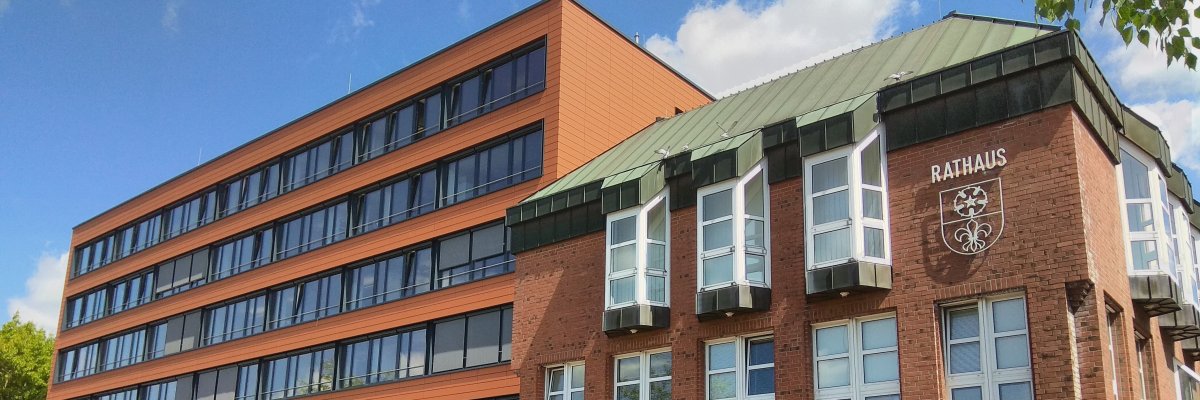
City administration building of the Stadtkevelaer
> Translation notice: This page has been automatically translated with the support of DeepL. Differences from the original German text may occur. Only the German version is legally binding.

Climate protection

Erfolgreicher Auftakt in Wetten: Die Energiekarawane Kevelaer nimmt Fahrt auf

Wie lässt sich das eigene Zuhause zukunftssicher machen, Energie sparen und gleichzeitig der Geldbeutel schonen? Diese Fragen standen am Mittwoch, den 30. September 2026, beim offiziellen Startschuss für die Energiekarawane in Kevelaer-Wetten auf der Agenda. Knapp 50 interessierte Bürgerinnen und Bürger kamen im Knoasesaal zusammen, um den Auftakt der Aktion hautnah mitzuerleben.

Neben praxisnahen Einblicken zum Ablauf und wertvollen Energiespartipps der Verbraucherzentrale NRW bot der Abend eine besondere Gelegenheit: Die Teilnehmenden konnten die Experten der Energieberatung kennenlernen und sich direkt für eine persönliche Beratung anmelden.

Kostenlose Beratung auch für Ihr Eigenheim

Mit der Auftaktveranstaltung hat auch die Anmeldephase begonnen. Alle Eigentümerinnen und Eigentümer von Wohngebäuden in Wetten können sich ab sofort für eine kostenlose Energieberatung direkt vor Ort im eigenen zu Hause anmelden.

Was Sie erwartet, bestimmen Sie selbst: Ob Dämmung, moderne Heiztechnik, allgemeine Energiespartipps oder passende Förderprogramme – die Berater*innen gehen individuell auf Ihre Wünsche ein und zeigen Ihnen konkrete nächste Schritte auf. Nach Ihrer Anmeldung meldet sich ein Energieberater telefonisch bei Ihnen, um einen passenden Termin zu vereinbaren.

Die kostenlose Beratung ist der erste Schritt, um langfristig Energiekosten zu senken. Die Anmeldung ist noch bis zum 6. November möglich (die Beratungstermine selbst können flexibel bis Ende des Jahres stattfinden).

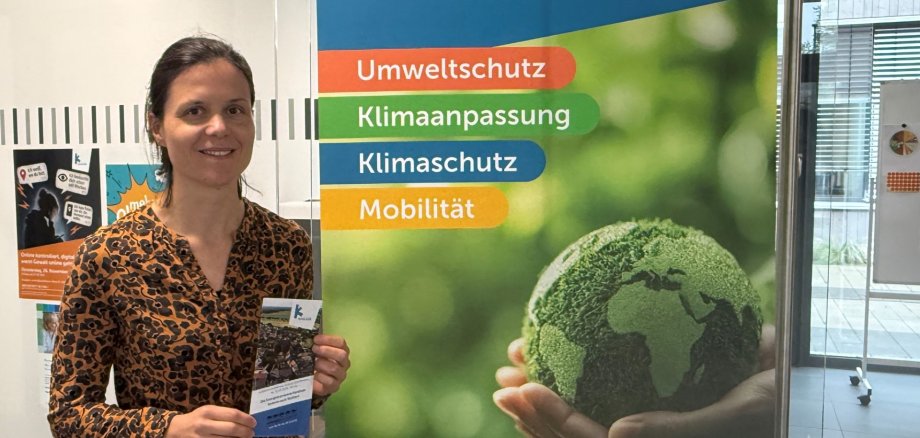
Telefonisch anmelden: Bei der Klimaschutzmanagerin unter 02832 122 733

No employees found.

Help with accessibility

  • General

    We endeavor to make our websites accessible. You can find details on this in our accessibility statement. You can send us suggestions for improvement via our feedback form Report accessibility.

  • Font size

    To adjust the font size, please use the following key combinations:

    Larger

    ⌘command
    +

    Smaller

    ⌘command
    –

    Larger

    Ctrl
    +

    Smaller

    Ctrl
    –
  • Keyboard navigation

    Use TAB and SHIFT + TAB to navigate through next/previous links, form elements and buttons.

    Use ENTER to open links and interact with elements.

  • Contrast mode

    Press the following key combination to reduce or increase the contrast:

    Enlarge

    ⌃control
    ⌥option
    ⌘command
    .

    Decrease

    ⌃control
    ⌥option
    ⌘command
    ,
    Note: The shortcuts must be activated in the system settings of the operating system.

    Press the left ALT key + left SHIFT key + PRINT to quickly switch the high contrast mode on or off.

  • Invert colors

    Press the following key combination to switch the color inversion on and off:

    ⌃control
    ⌥option
    ⌘command
    8
    Note: The shortcuts must be activated in the system settings of the operating system.

    First activate the screen magnifier and then switch the color inversion on and off with the following key combinations:

    1. screen magnifier

    +

    2. invert colors

    Ctrl
    Old
    I
  • Screen magnifier

    Press the following key combinations to use the screen magnifier:

    Switch on/off

    ⌥option
    ⌘command
    8

    Enlarge view

    ⌥option
    ⌘command
    =

    Reduce view

    ⌥option
    ⌘command
    –
    Note: The shortcuts must be activated in the system settings of the operating system.

    Switch on / Enlarge view

    +

    Reduce view

    –