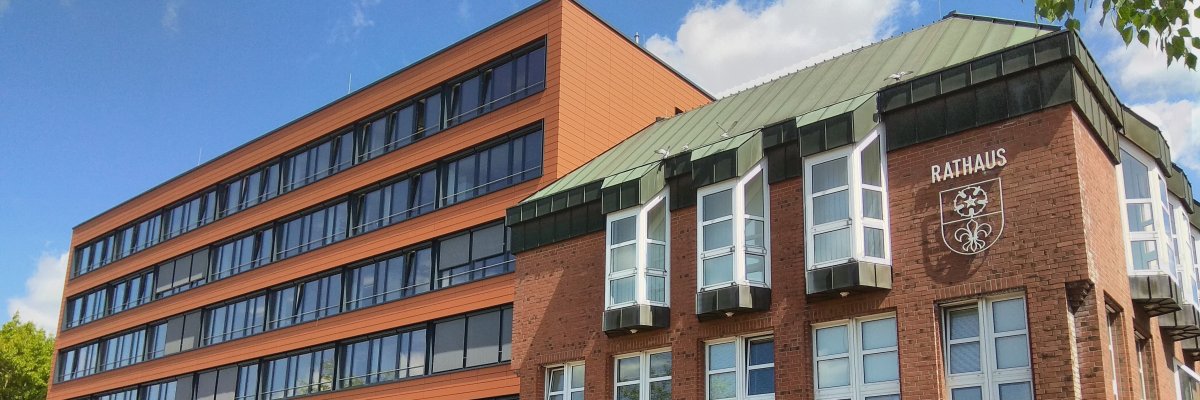
City administration building of the Stadtkevelaer
> Translation notice: This page has been automatically translated with the support of DeepL. Differences from the original German text may occur. Only the German version is legally binding.

Equality

This week, Kevelaer is taking a stand against violence against women and girls

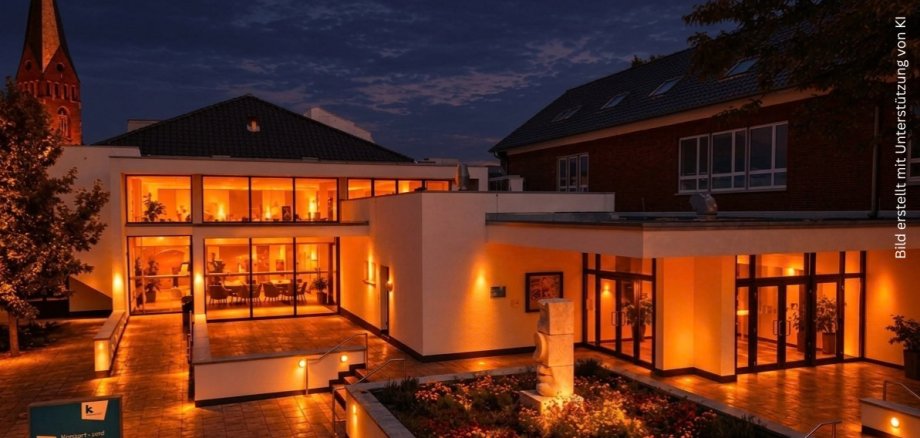
This week, the pilgrimage town of Kevelaer is once again participating in the global UN campaign “Orange the World.” Around the International Day for the Elimination of Violence against Women and Girls on Wednesday, November 25, 2026 (“Orange Day”), we’ll be sending a visible message in several ways for a future free of violence: In addition to raising the campaign flag, the concert and theater hall will be illuminated in bright orange for several days starting on November 25.

“There is no place for violence in our society. All those affected deserve protection, support, and a life free from violence,” emphasizes Christiane Peulen, the equal opportunity officer for the pilgrimage town of Kevelaer.

Information Session: When Violence Goes Online
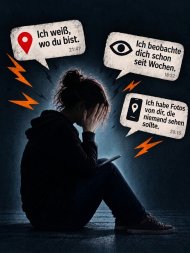
Since harassment, surveillance, and threats are increasingly taking place in the digital realm as well, the Equal Opportunity Officer, together with the Social Service of Catholic Women e.V. and the Kleve District Police Department , invites the public to a public information session on Thursday, November 26, 2026, to a public information event at the Kevelaer Concert and Theater Hall (starting at 6:00 p.m., doors open at 5:30 p.m.).

Under the title “Monitored Online, Threatened Digitally—When Violence Goes Online,” visitors can expect:

Presentations by police and legal experts on topics such as cyberstalking, data misuse, identity theft, AI, and the legal landscape.

  • Side Events & Exchange: Presentations by students from Kevelaer’s secondary schools, as well as information booths run by local counseling centers.
  • Participation & Registration: All interested individuals are invited (recommended for ages 14 and up due to the content). Admission is free. Please register in advance at:

👉 https://beteiligung.nrw.de/k/1029920 

No employees found.

Help with accessibility

  • General

    We endeavor to make our websites accessible. You can find details on this in our accessibility statement. You can send us suggestions for improvement via our feedback form Report accessibility.

  • Font size

    To adjust the font size, please use the following key combinations:

    Larger

    ⌘command
    +

    Smaller

    ⌘command
    –

    Larger

    Ctrl
    +

    Smaller

    Ctrl
    –
  • Keyboard navigation

    Use TAB and SHIFT + TAB to navigate through next/previous links, form elements and buttons.

    Use ENTER to open links and interact with elements.

  • Contrast mode

    Press the following key combination to reduce or increase the contrast:

    Enlarge

    ⌃control
    ⌥option
    ⌘command
    .

    Decrease

    ⌃control
    ⌥option
    ⌘command
    ,
    Note: The shortcuts must be activated in the system settings of the operating system.

    Press the left ALT key + left SHIFT key + PRINT to quickly switch the high contrast mode on or off.

  • Invert colors

    Press the following key combination to switch the color inversion on and off:

    ⌃control
    ⌥option
    ⌘command
    8
    Note: The shortcuts must be activated in the system settings of the operating system.

    First activate the screen magnifier and then switch the color inversion on and off with the following key combinations:

    1. screen magnifier

    +

    2. invert colors

    Ctrl
    Old
    I
  • Screen magnifier

    Press the following key combinations to use the screen magnifier:

    Switch on/off

    ⌥option
    ⌘command
    8

    Enlarge view

    ⌥option
    ⌘command
    =

    Reduce view

    ⌥option
    ⌘command
    –
    Note: The shortcuts must be activated in the system settings of the operating system.

    Switch on / Enlarge view

    +

    Reduce view

    –