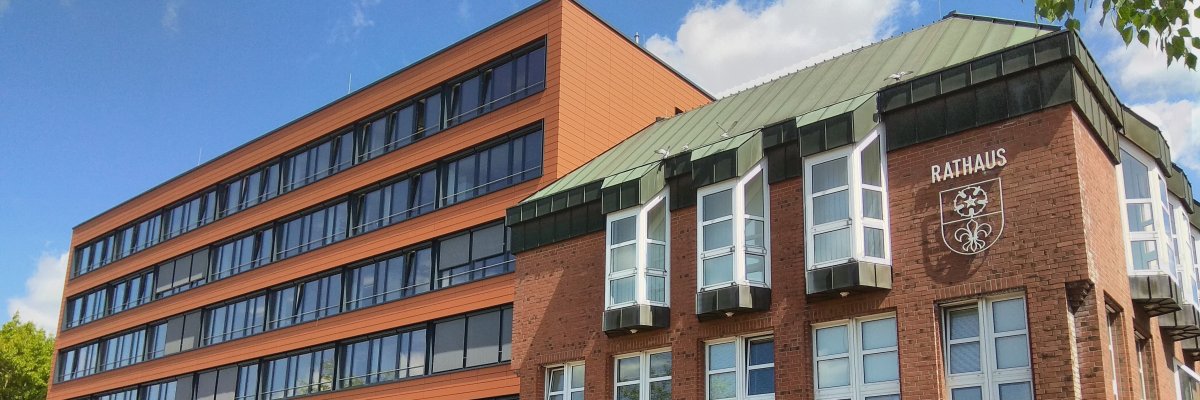
City administration building of the Stadtkevelaer
> Translation notice: This page has been automatically translated with the support of DeepL. Differences from the original German text may occur. Only the German version is legally binding.

Climate protection

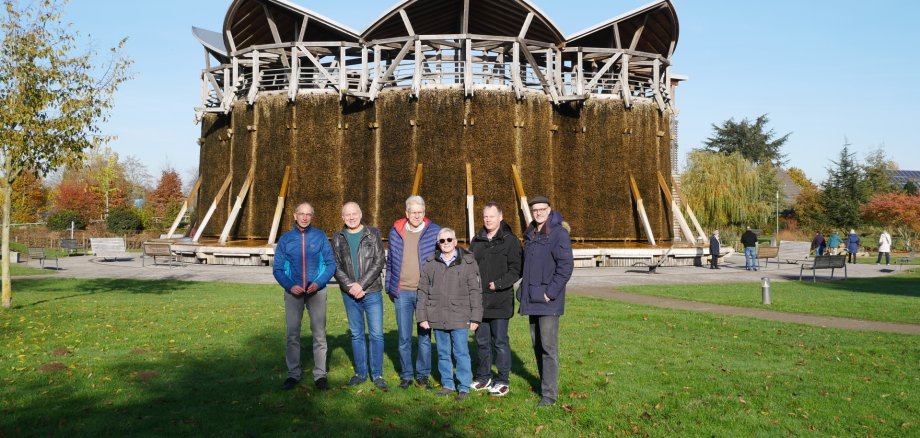
Volunteer Solar Consulting Program Launched in Kevelaer

Since October 1, 2026, Kevelaer has offered free, impartial solar consulting to owners of single-family and two-family homes. This volunteer-led initiative supports anyone who would like to learn more about photovoltaic (PV) systems or determine whether installing their own system is a viable option.

The program includes personalized cost-effectiveness analyses and offers practical tips in a neighborly spirit—completely free of charge and free from commercial interests. The volunteer advisors received comprehensive training for their roles with the support of the pilgrimage town of Kevelaer. The first consultations have already taken place.

Schedule a consultation:

Are you interested in a consultation? You can request an appointment directly on the BürgerSolarBeratung Kevelaer website and learn more about the initiative: bsb-kevelaer-2.jimdosite.com

Looking for Reinforcements!

The advisory group is still in the process of being formed and welcomes new members. Another informational event will be held in early 2027, followed by another round of training. If you would also like to volunteer, please feel free to contact us directly by email at: klima@kevelaer.de.

No employees found.

Help with accessibility

  • General

    We endeavor to make our websites accessible. You can find details on this in our accessibility statement. You can send us suggestions for improvement via our feedback form Report accessibility.

  • Font size

    To adjust the font size, please use the following key combinations:

    Larger

    ⌘command
    +

    Smaller

    ⌘command
    –

    Larger

    Ctrl
    +

    Smaller

    Ctrl
    –
  • Keyboard navigation

    Use TAB and SHIFT + TAB to navigate through next/previous links, form elements and buttons.

    Use ENTER to open links and interact with elements.

  • Contrast mode

    Press the following key combination to reduce or increase the contrast:

    Enlarge

    ⌃control
    ⌥option
    ⌘command
    .

    Decrease

    ⌃control
    ⌥option
    ⌘command
    ,
    Note: The shortcuts must be activated in the system settings of the operating system.

    Press the left ALT key + left SHIFT key + PRINT to quickly switch the high contrast mode on or off.

  • Invert colors

    Press the following key combination to switch the color inversion on and off:

    ⌃control
    ⌥option
    ⌘command
    8
    Note: The shortcuts must be activated in the system settings of the operating system.

    First activate the screen magnifier and then switch the color inversion on and off with the following key combinations:

    1. screen magnifier

    +

    2. invert colors

    Ctrl
    Old
    I
  • Screen magnifier

    Press the following key combinations to use the screen magnifier:

    Switch on/off

    ⌥option
    ⌘command
    8

    Enlarge view

    ⌥option
    ⌘command
    =

    Reduce view

    ⌥option
    ⌘command
    –
    Note: The shortcuts must be activated in the system settings of the operating system.

    Switch on / Enlarge view

    +

    Reduce view

    –