

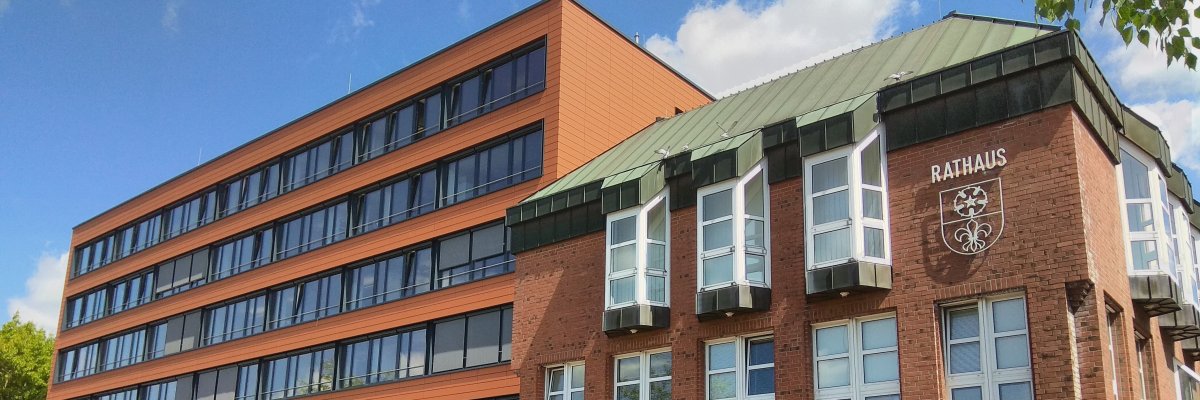
City administration building of the Stadtkevelaer
> Translation notice: This page has been automatically translated with the support of DeepL. Differences from the original German text may occur. Only the German version is legally binding.

city hall

Service anniversaries at the pilgrimage town of Kevelaer

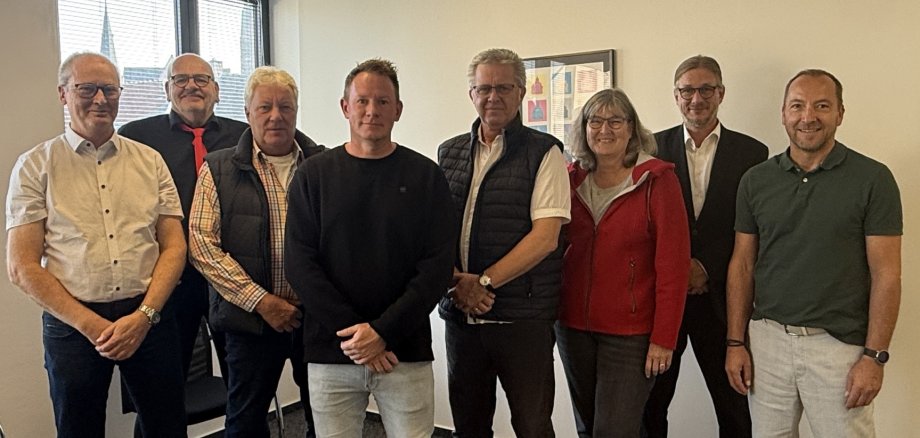
Ralf Püplichuisen (treasurer, head of the “Finance, Building Services, and Maintenance Yard” department, and the mayor’s alternate) has been on the job for 45 years. Karl-Heinz van Rennings (truck driver at the municipal depot) celebrated his 40th anniversary, and Beate Sibben (Head of the “Central Services” Department), Daniel Gatz (gardener at the municipal depot) and Walter Holtappels (clerk in the “Youth Welfare Office Administration”) each look back on 25 years of service.

In his speech, Mayor Dr. Dominik Pichler praised the honorees’ long-standing commitment and expressed his gratitude to them on behalf of the pilgrimage town of Kevelaer. The honorees’ supervisors joined in the congratulations and conveyed the best wishes of the entire team.

Human Resources Manager Werner Barz and Staff Council Chair Stefan Reudenbach extended their congratulations on behalf of the entire workforce and the Staff Council.

No employees found.

Help with accessibility

  • General

    We endeavor to make our websites accessible. You can find details on this in our accessibility statement. You can send us suggestions for improvement via our feedback form Report accessibility.

  • Font size

    To adjust the font size, please use the following key combinations:

    Larger

    ⌘command
    +

    Smaller

    ⌘command
    –

    Larger

    Ctrl
    +

    Smaller

    Ctrl
    –
  • Keyboard navigation

    Use TAB and SHIFT + TAB to navigate through next/previous links, form elements and buttons.

    Use ENTER to open links and interact with elements.

  • Contrast mode

    Press the following key combination to reduce or increase the contrast:

    Enlarge

    ⌃control
    ⌥option
    ⌘command
    .

    Decrease

    ⌃control
    ⌥option
    ⌘command
    ,
    Note: The shortcuts must be activated in the system settings of the operating system.

    Press the left ALT key + left SHIFT key + PRINT to quickly switch the high contrast mode on or off.

  • Invert colors

    Press the following key combination to switch the color inversion on and off:

    ⌃control
    ⌥option
    ⌘command
    8
    Note: The shortcuts must be activated in the system settings of the operating system.

    First activate the screen magnifier and then switch the color inversion on and off with the following key combinations:

    1. screen magnifier

    +

    2. invert colors

    Ctrl
    Old
    I
  • Screen magnifier

    Press the following key combinations to use the screen magnifier:

    Switch on/off

    ⌥option
    ⌘command
    8

    Enlarge view

    ⌥option
    ⌘command
    =

    Reduce view

    ⌥option
    ⌘command
    –
    Note: The shortcuts must be activated in the system settings of the operating system.

    Switch on / Enlarge view

    +

    Reduce view

    –