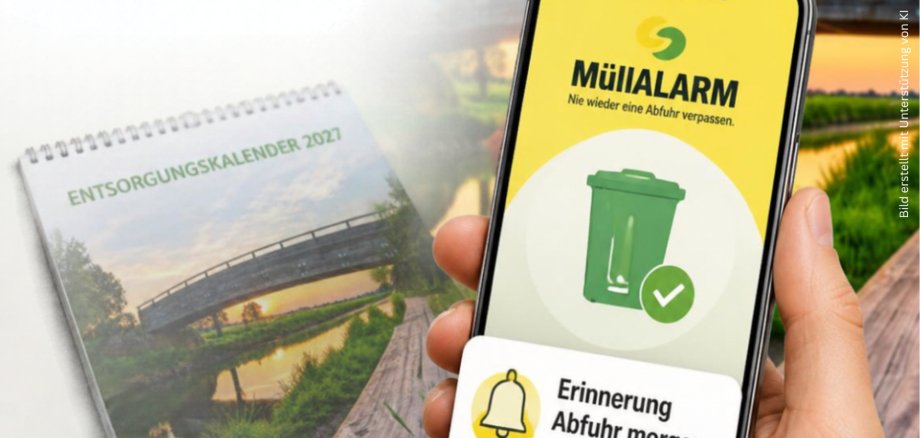
To conserve resources and reduce unnecessary paper waste, the pilgrimage town of Kevelaer will primarily rely on digital options for its waste collection calendar starting in the 2027 calendar year. Whether conveniently via the MüllALARM app with its handy reminder feature or as a clear PDF for printing at www.kevelaer.de.
“We’re following the example of other municipalities in the Kleve district, such as Geldern, Kalkar, and Rees, which have already stopped distributing printed waste calendars district-wide for several years now. With this change, we can save about 200 kg of paper annually—paper that would otherwise end up in the trash at the end of each year,” said Mayor Dominik Pichler about the change.
Benefits of the MüllALARM App
The MüllALARM app from Schönmackers is free. In Kevelaer, the app is already being used by more than 4,000 people. Residents can filter the pickup dates for their trash bins by location or by type of waste and, if they wish, receive reminders of the pickup dates.
In addition, Schönmackers can send up-to-date information—such as changes to pickup times—directly to app users via push notifications.
If a trash bin has not been emptied, you can also file a complaint directly through the app. You can also conveniently schedule bulk trash pickups through the app. This saves you from having to call Schönmackers.
If you'd rather have a wall calendar than use the app on your smartphone, you can download the 2027 waste collection calendar as a PDF starting in December at www.kevelaer.de.
“With this transition, we intend to focus primarily on digital services going forward and will therefore discontinue the widespread distribution of printed waste collection calendars. At the same time, it is important to us to ensure that citizens who do not have access to the app or the internet—or have only limited access—are also included. That is why, next year, there will be a contact point in every town where a limited number of printed copies will be available upon request. In this way, we especially want to continue providing the older generation with easy access to the waste collection calendar,” said Markus Krebber from the Tax and Finance Department.
Resource Centers in the Neighborhoods
(Available starting in December):
Kervenheim: Marion's Sewing Studio, Schloßstraße 1, 47627 Kevelaer-Kervenheim
Twisteden: Twisteden Fresh Market, Dorfstraße 15, 47624 Kevelaer-Twisteden
Wetten: Steegmanns Village Bakery, Hauptstraße 51, 47625 Kevelaer-Wetten
Winnekendonk: Urbanus Pharmacy, Hauptstraße 6, 47626 Kevelaer-Winnekendonk
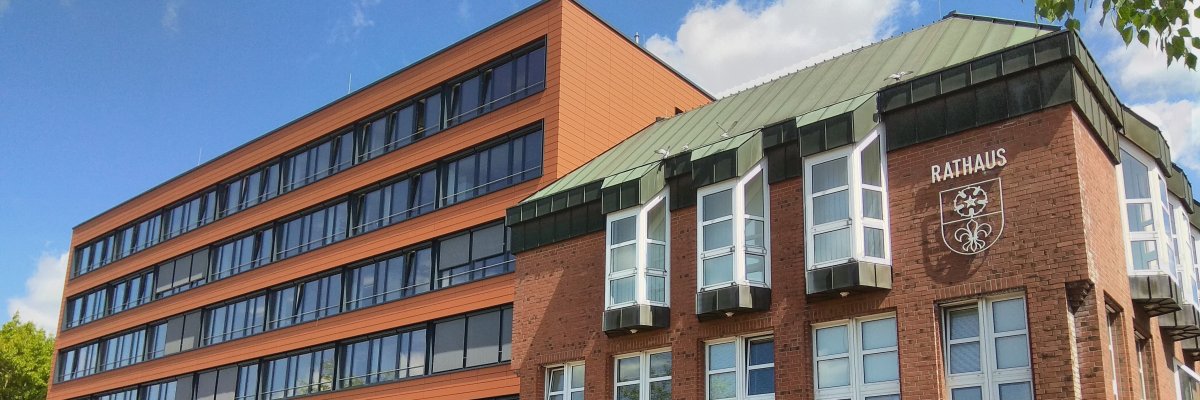
Kevelaer: Information Desk at City Hall, Peter-Plümpe-Platz 12, 47623 Kevelaer