

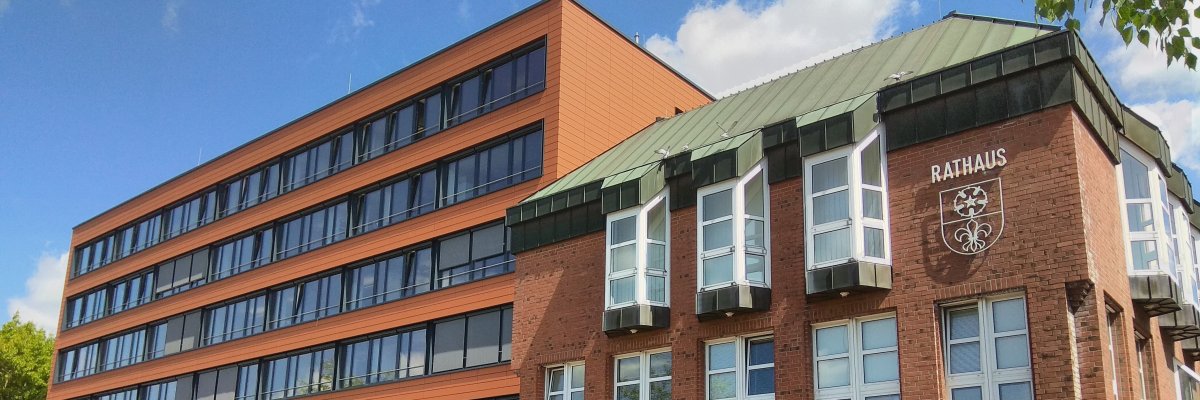

City administration building of the Stadtkevelaer

Construction site info

L362: Road completely closed between Winnekendonk and Kapellen

The Straßen.NRW Lower Rhine Regional Office will begin road resurfacing work on the L362 between Kevelaer-Winnekendonk and Geldern-Kapellen an der Fleuth on Monday (July 6). This will involve a full closure of the section between Xantener Straße/Sonsbecker Straße and Achterhoek/Achterhoeker Rödchen. All access roads to the L362 within this section will also remain closed during the construction period. The closure is expected to be lifted by the end of July. The work is being carried out as part of the construction of a new roundabout connecting to the new bypass.

A detour will be signposted. For traffic coming from the L480 (Am Mühlenwasser/Lange Straße), the detour will be toward Sonsbeck via Gelderner Straße and the L491 (Kevelaerer Straße/Xantener Straße) to Kevelaer-Winnekendonk. For traffic heading toward Geldern-Kapellen, the detour will follow the opposite route. For cyclists, the detour runs along farm roads to Achterhoek. In parallel with the road resurfacing, a construction road will be built and connected to the L491 (Xantener Straße). To this end, one lane of the L491 will be closed during the work. Traffic will be guided past the construction site using a mobile traffic light system.

Source: Straßen.NRW

Help with accessibility

  • General

    We endeavor to make our websites accessible. You can find details on this in our accessibility statement. You can send us suggestions for improvement via our feedback form Report accessibility.

  • Font size

    To adjust the font size, please use the following key combinations:

    Larger

    ⌘command
    +

    Smaller

    ⌘command

    Larger

    Ctrl
    +

    Smaller

    Ctrl
  • Keyboard navigation

    Use TAB and SHIFT + TAB to navigate through next/previous links, form elements and buttons.

    Use ENTER to open links and interact with elements.

  • Contrast mode

    Press the following key combination to reduce or increase the contrast:

    Enlarge

    ⌃control
    ⌥option
    ⌘command
    .

    Decrease

    ⌃control
    ⌥option
    ⌘command
    ,
    Note: The shortcuts must be activated in the system settings of the operating system.

    Press the left ALT key + left SHIFT key + PRINT to quickly switch the high contrast mode on or off.

  • Invert colors

    Press the following key combination to switch the color inversion on and off:

    ⌃control
    ⌥option
    ⌘command
    8
    Note: The shortcuts must be activated in the system settings of the operating system.

    First activate the screen magnifier and then switch the color inversion on and off with the following key combinations:

    1. screen magnifier

    +

    2. invert colors

    Ctrl
    Old
    I
  • Screen magnifier

    Press the following key combinations to use the screen magnifier:

    Switch on/off

    ⌥option
    ⌘command
    8

    Enlarge view

    ⌥option
    ⌘command
    =

    Reduce view

    ⌥option
    ⌘command
    Note: The shortcuts must be activated in the system settings of the operating system.

    Switch on / Enlarge view

    +

    Reduce view