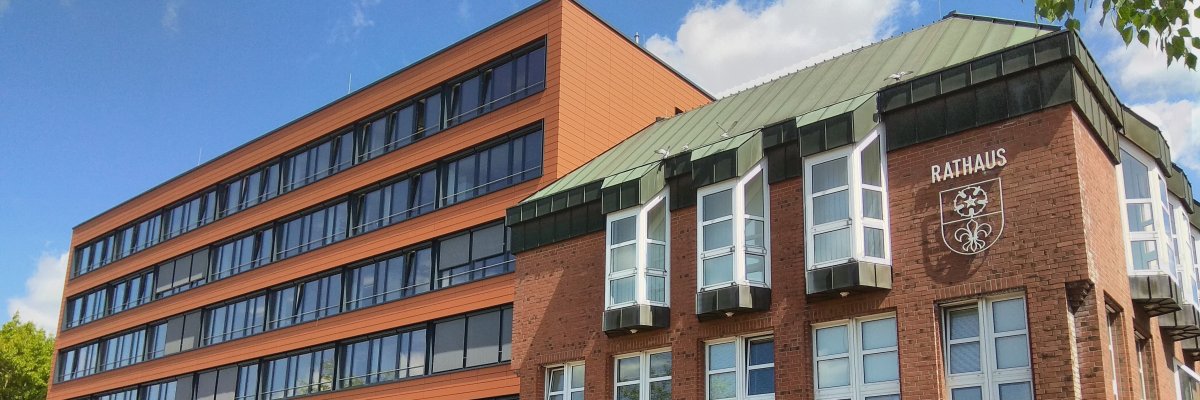

City administration building of the Stadtkevelaer
> Translation notice: This page has been automatically translated with the support of DeepL. Differences from the original German text may occur. Only the German version is legally binding.

Youth employment agency

Apprenticeship Fair at JVZ Kevelaer:
“Ho ho ho—get your apprenticeship!”

Still not sure what to do after high school? As the new year approaches, the Youth Career Agency of the pilgrimage town of Kevelaer, together with the KOMPASS Youth Center and regional businesses, is once again providing a crucial boost for young people’s professional futures: Instead of boring trade show conversations, visitors can expect a varied program spread across two interactive zones:

  • Christmas Workshop (KOMPASS Youth Center): This is where you get hands-on! Spread across two floors, interactive stations and workshops invite you to actively try out various apprenticeship trades and discover your own talents.
  • Chill Area (Event Room A001): In a relaxed atmosphere, regional companies present their apprenticeship opportunities. Young people can easily strike up conversations, ask questions, and make initial contacts for their 2027 application cycle.


In addition to exciting insights into the professional world, refreshments will be provided: Henning’s PizzaCatering will be baking fresh pizza in the Kompass kitchen! Admission is free; no advance registration is required.

All the information at a glance:

  • What: Apprenticeship Fair “Ho ho ho—Get Your Apprenticeship!”
  • When: Friday, December 11, 2026, 2:00 p.m. – 6:00 p.m.
  • Where: Youth and Administrative Center (JVZ), Kroatenstraße 85 in Kevelaer
  • Who is it for: All interested young people, students, parents, and educational institutions


No employees found.

Help with accessibility

  • General

    We endeavor to make our websites accessible. You can find details on this in our accessibility statement. You can send us suggestions for improvement via our feedback form Report accessibility.

  • Font size

    To adjust the font size, please use the following key combinations:

    Larger

    ⌘command
    +

    Smaller

    ⌘command
    –

    Larger

    Ctrl
    +

    Smaller

    Ctrl
    –
  • Keyboard navigation

    Use TAB and SHIFT + TAB to navigate through next/previous links, form elements and buttons.

    Use ENTER to open links and interact with elements.

  • Contrast mode

    Press the following key combination to reduce or increase the contrast:

    Enlarge

    ⌃control
    ⌥option
    ⌘command
    .

    Decrease

    ⌃control
    ⌥option
    ⌘command
    ,
    Note: The shortcuts must be activated in the system settings of the operating system.

    Press the left ALT key + left SHIFT key + PRINT to quickly switch the high contrast mode on or off.

  • Invert colors

    Press the following key combination to switch the color inversion on and off:

    ⌃control
    ⌥option
    ⌘command
    8
    Note: The shortcuts must be activated in the system settings of the operating system.

    First activate the screen magnifier and then switch the color inversion on and off with the following key combinations:

    1. screen magnifier

    +

    2. invert colors

    Ctrl
    Old
    I
  • Screen magnifier

    Press the following key combinations to use the screen magnifier:

    Switch on/off

    ⌥option
    ⌘command
    8

    Enlarge view

    ⌥option
    ⌘command
    =

    Reduce view

    ⌥option
    ⌘command
    –
    Note: The shortcuts must be activated in the system settings of the operating system.

    Switch on / Enlarge view

    +

    Reduce view

    –