


City administration building of the Stadtkevelaer

Economic development

Kevelaer fights against the shortage of skilled workers

Today, skilled workers are more sought-after than ever. Attracting and retaining them in the long term presents companies with major challenges. Qualified workers are particularly hard to find in the skilled trades, industry and the healthcare sector. The effects are also clearly noticeable in Kevelaer: shortages of skilled workers are hampering growth and impairing the competitiveness of local companies. "We are addressing these developments and supporting our companies with targeted offers," explains Verena Rohde, Business Development Manager and Head of Kevelaer Marketing. "The interest is there! Our employer branding portal www.kevelaer-kanns.de is also very popular and helps companies to attract new employees".

Successful strategies for recruiting skilled workers

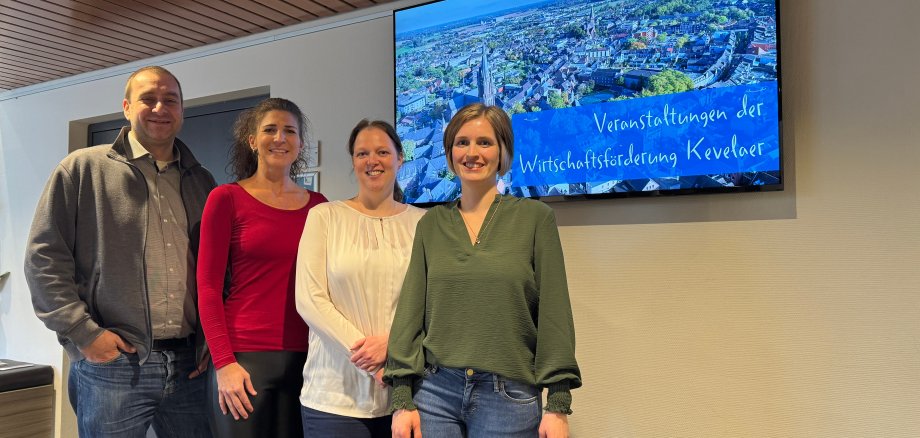
The business development team has planned a total of four different events for entrepreneurs this year. The first is the information evening "Successful strategies for recruiting skilled workers" on February 11, 2025, where all interested Kevelaerer companies are cordially invited to the Konzert- und Bühnenhaus at 6.30 pm. Oliver Dietze, branch manager at Debeka, and his colleague Marc Kellendonk will give a practical presentation on innovative recruiting processes. In addition, they will discuss interesting employee benefits such as company health insurance and pension schemes and provide ideas on how companies can position themselves as attractive employers.

Interested company representatives can register informally by e-mail at wirtschaftsfoerderung@kevelaer.de by February 6, 2025.

No employees found.

Help with accessibility

  • General

    We endeavor to make our websites accessible. You can find details on this in our accessibility statement. You can send us suggestions for improvement via our feedback form Report accessibility.

  • Font size

    To adjust the font size, please use the following key combinations:

    Larger

    ⌘command
    +

    Smaller

    ⌘command

    Larger

    Ctrl
    +

    Smaller

    Ctrl
  • Keyboard navigation

    Use TAB and SHIFT + TAB to navigate through next/previous links, form elements and buttons.

    Use ENTER to open links and interact with elements.

  • Contrast mode

    Press the following key combination to reduce or increase the contrast:

    Enlarge

    ⌃control
    ⌥option
    ⌘command
    .

    Decrease

    ⌃control
    ⌥option
    ⌘command
    ,
    Note: The shortcuts must be activated in the system settings of the operating system.

    Press the left ALT key + left SHIFT key + PRINT to quickly switch the high contrast mode on or off.

  • Invert colors

    Press the following key combination to switch the color inversion on and off:

    ⌃control
    ⌥option
    ⌘command
    8
    Note: The shortcuts must be activated in the system settings of the operating system.

    First activate the screen magnifier and then switch the color inversion on and off with the following key combinations:

    1. screen magnifier

    +

    2. invert colors

    Ctrl
    Old
    I
  • Screen magnifier

    Press the following key combinations to use the screen magnifier:

    Switch on/off

    ⌥option
    ⌘command
    8

    Enlarge view

    ⌥option
    ⌘command
    =

    Reduce view

    ⌥option
    ⌘command
    Note: The shortcuts must be activated in the system settings of the operating system.

    Switch on / Enlarge view

    +

    Reduce view