

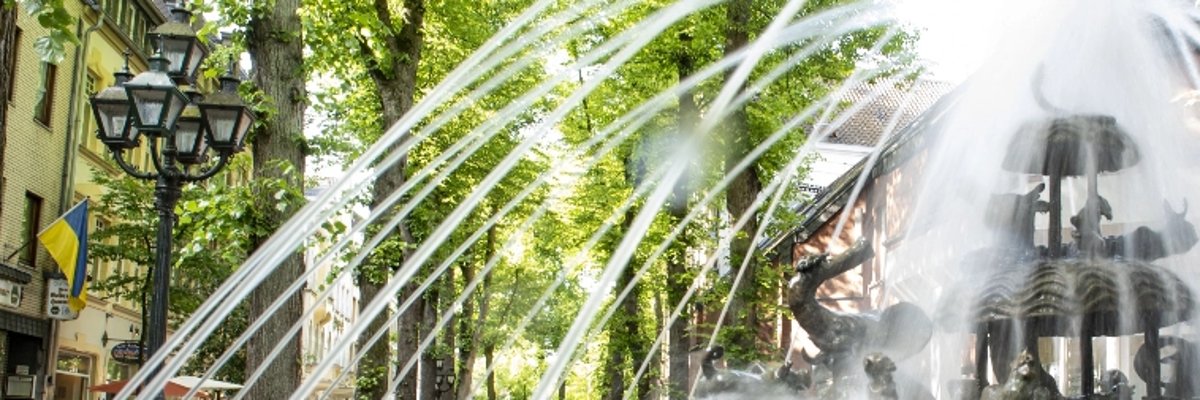

Noah's Ark fountain in action
Website covers 16:9 - 1

Spring cleaning 2026

Collecting garbage and ending the day together

On Saturday, March 21, 2026, many dedicated helpers were out and about throughout the city from Kleinkevelaer to Kervenheim via Winnekendonk on the annual "Spring Cleaning" day - we were delighted!

The aim of the campaign was to keep the streets and green spaces in Kevelaer clean and to promote awareness of a clean environment and waste prevention. Clubs, school classes and work colleagues were invited to join small groups to collect litter lying around in the countryside. The town of Kevelaer provided bin bags and gloves for participants on request. The collected waste was taken to agreed collection points and then collected and disposed of by employees of the depot.

Restaurants supported the campaign: a meal together as an incentive to take part

The town of Kevelaer has been supporting this campaign for several years now and this time was able to attract several catering establishments that offered the participating groups a meal at reduced prices after collecting the garbage. This offer applied to smaller groups of four to eight people. The groups could register in advance and received a discount card for a restaurant on the day of the campaign.

Our thanks go to everyone who rolled up their sleeves and lent a hand - there is now a lot less garbage in our natural environment.


Help with accessibility

  • General

    We endeavor to make our websites accessible. You can find details on this in our accessibility statement. You can send us suggestions for improvement via our feedback form Report accessibility.

  • Font size

    To adjust the font size, please use the following key combinations:

    Larger

    ⌘command
    +

    Smaller

    ⌘command

    Larger

    Ctrl
    +

    Smaller

    Ctrl
  • Keyboard navigation

    Use TAB and SHIFT + TAB to navigate through next/previous links, form elements and buttons.

    Use ENTER to open links and interact with elements.

  • Contrast mode

    Press the following key combination to reduce or increase the contrast:

    Enlarge

    ⌃control
    ⌥option
    ⌘command
    .

    Decrease

    ⌃control
    ⌥option
    ⌘command
    ,
    Note: The shortcuts must be activated in the system settings of the operating system.

    Press the left ALT key + left SHIFT key + PRINT to quickly switch the high contrast mode on or off.

  • Invert colors

    Press the following key combination to switch the color inversion on and off:

    ⌃control
    ⌥option
    ⌘command
    8
    Note: The shortcuts must be activated in the system settings of the operating system.

    First activate the screen magnifier and then switch the color inversion on and off with the following key combinations:

    1. screen magnifier

    +

    2. invert colors

    Ctrl
    Old
    I
  • Screen magnifier

    Press the following key combinations to use the screen magnifier:

    Switch on/off

    ⌥option
    ⌘command
    8

    Enlarge view

    ⌥option
    ⌘command
    =

    Reduce view

    ⌥option
    ⌘command
    Note: The shortcuts must be activated in the system settings of the operating system.

    Switch on / Enlarge view

    +

    Reduce view