


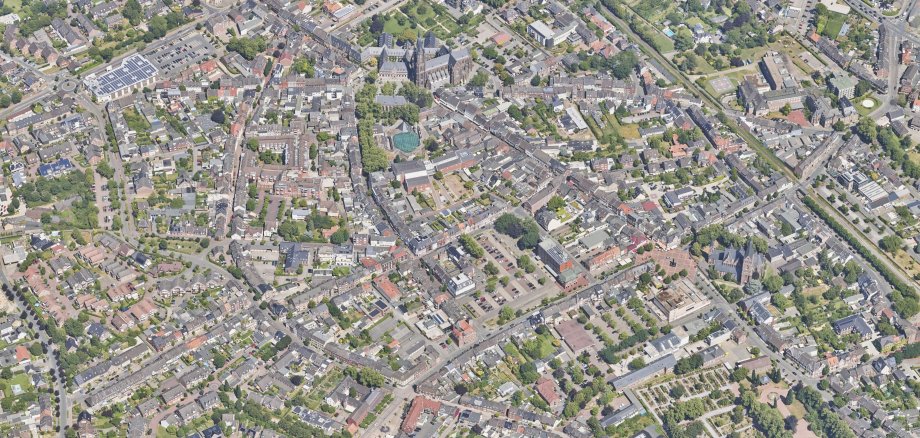
City administration building of the Stadtkevelaer

Latest news

One click instead of long distances:
We make citizen participation more digital

We are taking a further step towards the digital future: from now on, the public consultation process for urban land-use planning will take place entirely via the Beteiligung.NRW platform.

For you, this means that development plans and documents can be viewed from the comfort of your own home - and comments can be submitted directly online. Simple, flexible and up-to-date.

All current participation processes can be found here.

Digital - but not exclusively

It is important to us that the traditional channels also remain in place. You can still submit your comments by email, post or in person. The digital platform complements these options - and simply makes it a little easier for many people to get involved.

Shaping our city together

Urban development thrives on participation. With the introduction of Beteiligung.NRW, we want to reach even more people and invite them to participate - regardless of when and where they want to find out more.


No employees found.

Help with accessibility

  • General

    We endeavor to make our websites accessible. You can find details on this in our accessibility statement. You can send us suggestions for improvement via our feedback form Report accessibility.

  • Font size

    To adjust the font size, please use the following key combinations:

    Larger

    ⌘command
    +

    Smaller

    ⌘command

    Larger

    Ctrl
    +

    Smaller

    Ctrl
  • Keyboard navigation

    Use TAB and SHIFT + TAB to navigate through next/previous links, form elements and buttons.

    Use ENTER to open links and interact with elements.

  • Contrast mode

    Press the following key combination to reduce or increase the contrast:

    Enlarge

    ⌃control
    ⌥option
    ⌘command
    .

    Decrease

    ⌃control
    ⌥option
    ⌘command
    ,
    Note: The shortcuts must be activated in the system settings of the operating system.

    Press the left ALT key + left SHIFT key + PRINT to quickly switch the high contrast mode on or off.

  • Invert colors

    Press the following key combination to switch the color inversion on and off:

    ⌃control
    ⌥option
    ⌘command
    8
    Note: The shortcuts must be activated in the system settings of the operating system.

    First activate the screen magnifier and then switch the color inversion on and off with the following key combinations:

    1. screen magnifier

    +

    2. invert colors

    Ctrl
    Old
    I
  • Screen magnifier

    Press the following key combinations to use the screen magnifier:

    Switch on/off

    ⌥option
    ⌘command
    8

    Enlarge view

    ⌥option
    ⌘command
    =

    Reduce view

    ⌥option
    ⌘command
    Note: The shortcuts must be activated in the system settings of the operating system.

    Switch on / Enlarge view

    +

    Reduce view